The extension in action on an original sample lesson. Select a preview above.
Before & after
Same Math Academy. A clearer view.
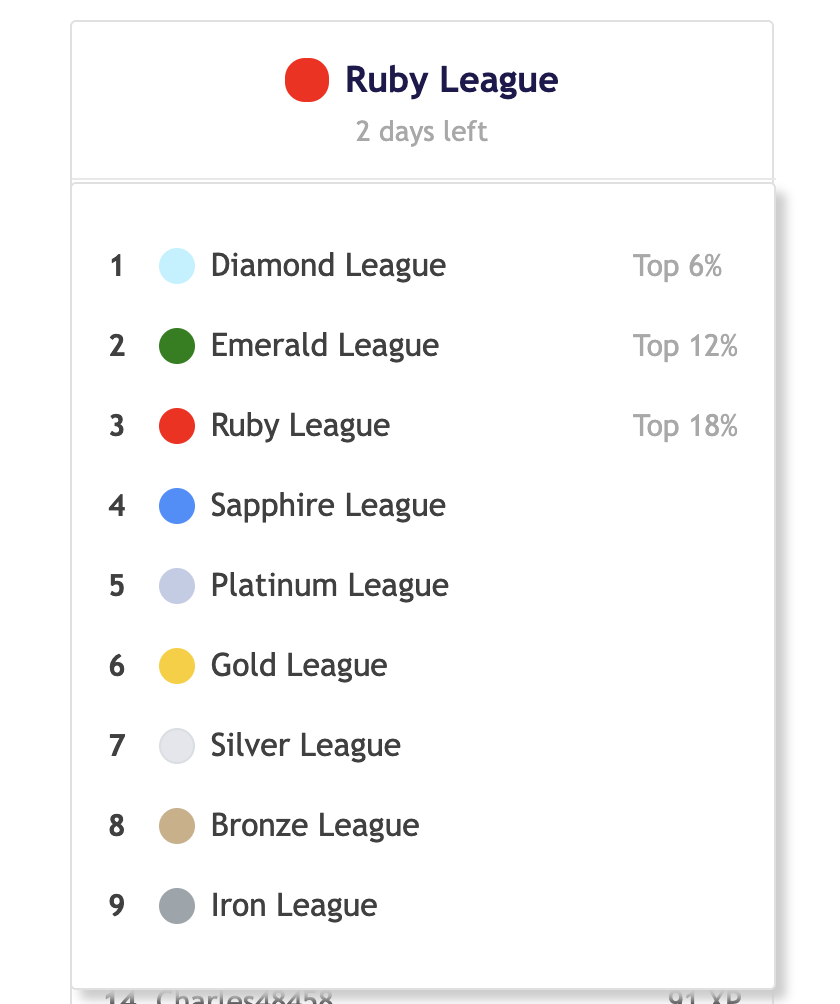
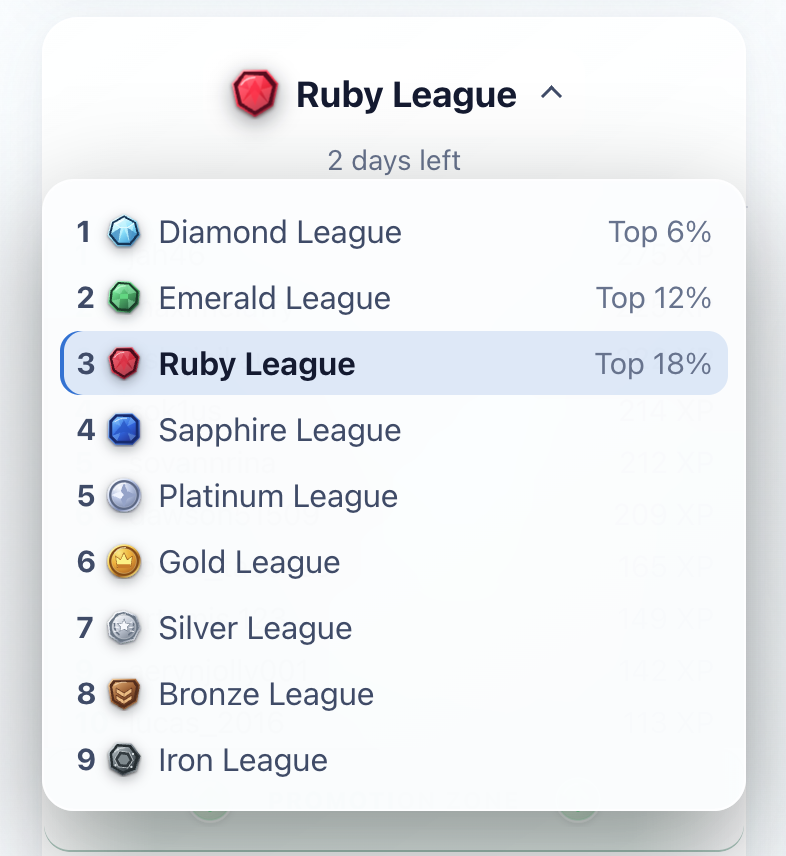
The league menu, before and after switching on Math Academy Glass.
BeforeOriginal Math Academy
AfterMath Academy Glass · Light
A little more clarity. A lot more possibility.
Everything you need. Right on the page.
01 / Appearance
Find your kind of calm.
Near-white glass by day. Deep navy by night. Choose Light, Dark, or System, with comfortable typography made for longer study sessions.
Switch with ⌘ / Ctrl + Shift + L
LightRoom to think.
Clear type. Quiet surfaces.
A = πr²
DarkStay in your flow.
The same clarity, after dark.
C = 2πr
02 / Drawing
Think with your pen.
Sketch an idea over the page. Five colors, three widths, a stroke eraser, and undo when you change your mind.
⌘ Z
03 / Geometry
A whole geometry set. Zero desk space.
Trace a ruler’s edge. Measure with a 180° or 360° protractor. Move a compass and keep its span.
Measure. Trace. Construct.
04 / Lesson-card PDF
Take an idea with you.
Save an eligible tutorial, worked example, or topic-reference card through Chrome’s print preview. Keep the title, math, and diagrams together.
You choose Save as PDF or a printer.
Lesson notes ↓ PDFExplore a circle
A = πr²
05 / Study rhythm
Keep your bearings.
Local task timers and course-topic counters help you see where you are. Pause the extension from its popup whenever you like.
Time on task04:32
One step at a time.
Your work stays yours
Local by design.
Lesson content, drawings, and study counters stay in your browser. Only your two appearance preferences use Chrome sync. No ads, analytics, or extension-operated servers.
Select Add to Chrome, then confirm with Add extension.
Make it yours
Open or refresh Math Academy. Open the extension popup to choose a theme, then use the study-tools button on the page.
Install from source (advanced)
For development or testing, download the source ZIP, unzip it, and keep the folder somewhere permanent.
Open chrome://extensions, turn on Developer mode, select Load unpacked, and choose the folder containing manifest.json. Refresh Math Academy to get started.
Source installations require manual updates: download or pull the latest source, reload the extension, and refresh Math Academy.
Requires Chrome 111 or newer. Learning features require your own Math Academy account and access to its content. This extension does not include a Math Academy subscription.
Contacts
Let’s connect.
Have an idea, a question, or just want to say hello? Find the creator of Math Academy Glass on LinkedIn.